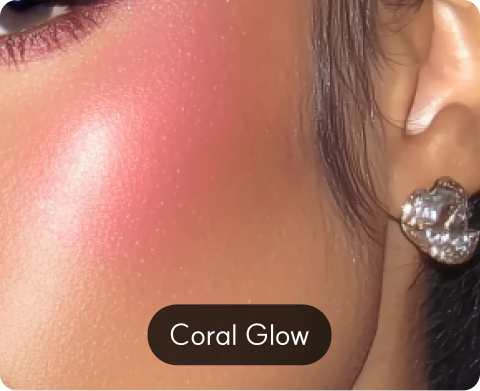
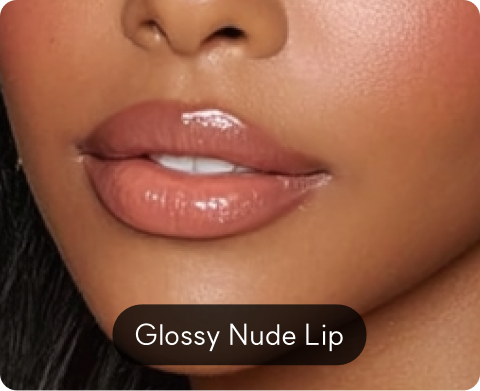
top of page

Twinit Real Texture AR Simulation

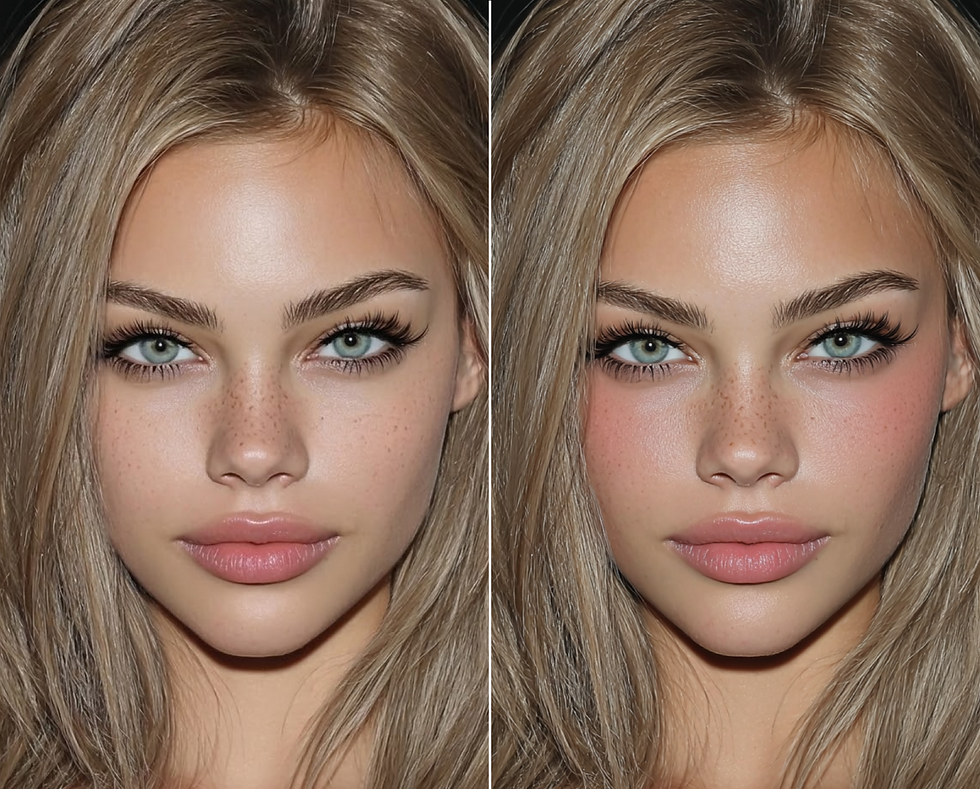
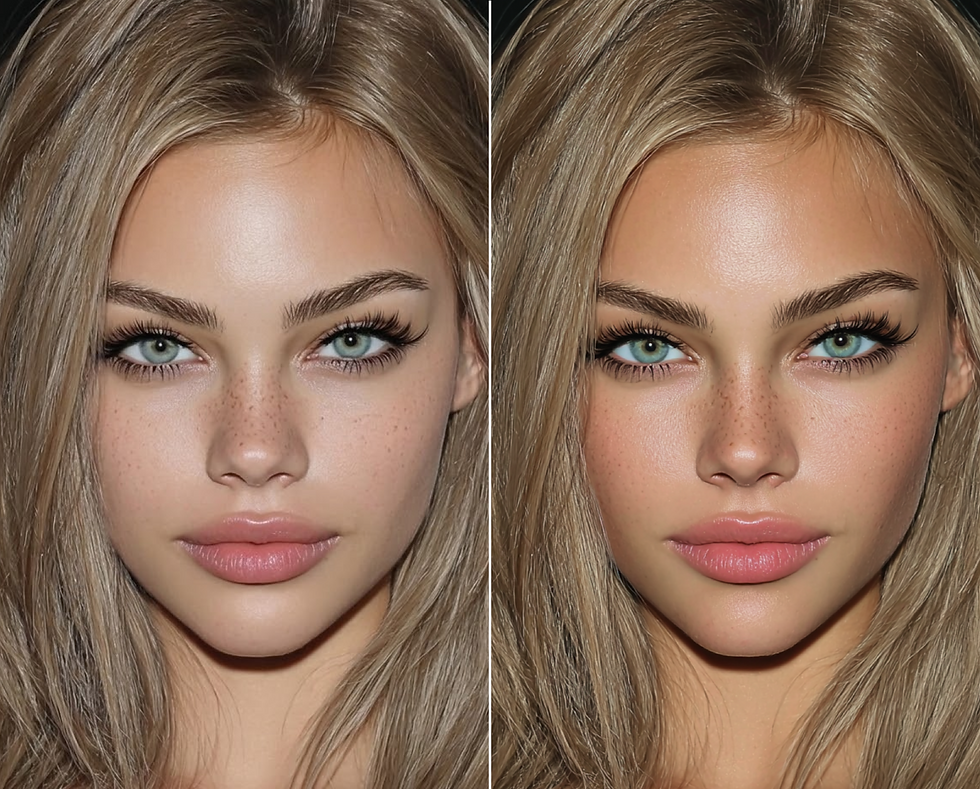
As if applied without applying,
Real Texture AR Simulation

Precisely recreates realistic makeup textures in AR
based on skin tone, luminosity, and texture data.

Real Texture AR Simulation

What is Real Texture
AR Simulation?

Real Texture AR Simulation is an ultra-precise real-time simulation

capable of expressing textures, layer-by-layer color development, glitter, density,

spreadability, and adhesion just like the real product.

Real Texture AR Simulation is an ultra-precise

real-time simulation capable of expressing textures,

layer-by-layer color development, glitter, density,

spreadability, and adhesion just like the real product.

Precise Skin Data
Collection

Automatically separates skin areas

from high-resolution images,

removes lighting and noise,

and refines data for analysis.

Facial Zone
Algorithm

Models texture, luminosity,

color intensity, and adhesion

as parameters to digitalize the material

properties of actual products.

Personalized
Product Matching

Synthesizes makeup layers

to simulate realistic makeup

results in real-time

at the pixel level.
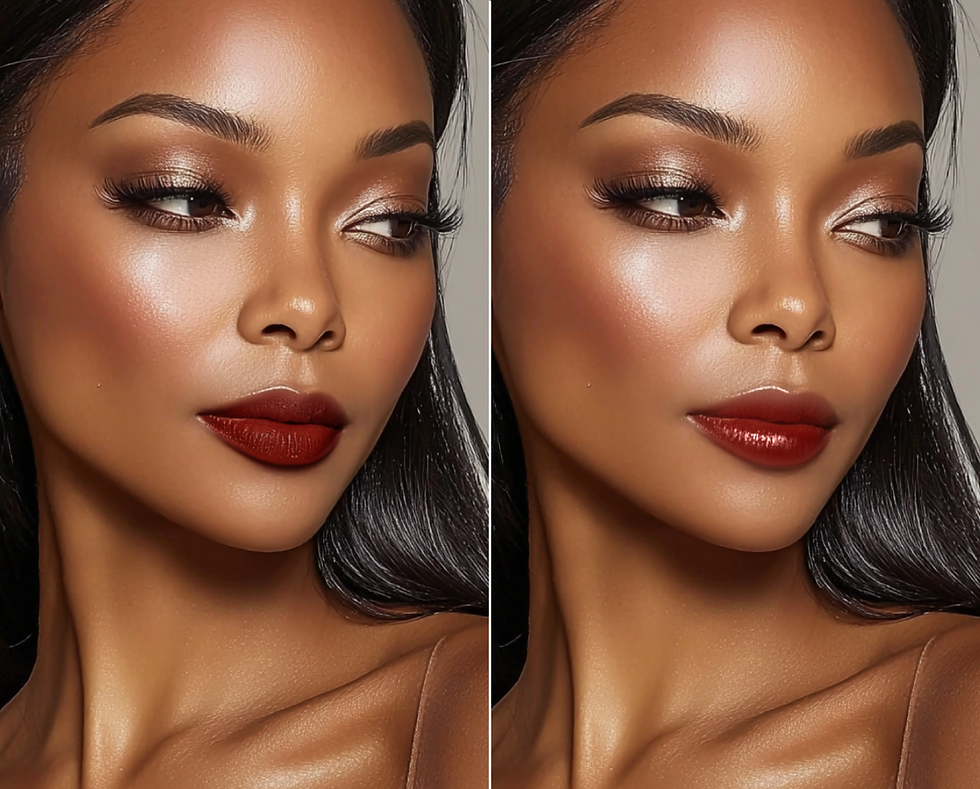
Real Texture AR Simulation

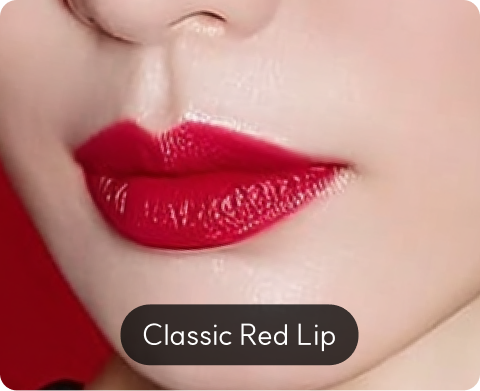
Lip Color

Reflecting both skin tone and natural lip color,

various lip color applications are realistically

rendered through AR.

* Service applied at Olive Young

and Hyundai Department Store locations

Simulation Options

# Lip Color Selection # Color Intensity

# Gloss/Texture Tone (Natural/Vivid)

Real Texture AR Simulation

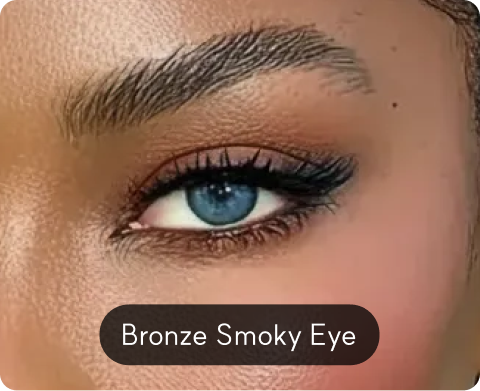
Eye Shadow

Precisely renders eye shadow color development

and gradation reflecting skin tone

and eye area shading. Allows real-time

comparison of mood differences by combination.

Simulation Options

# Shadow Color/Palette # Color Intensity

# Layering/Gradation Range

Real Texture AR Simulation

Foundation

Simulates foundation coverage and expressiveness reflecting
skin tone, tone uniformity, and texture. Enables comparison
of not only color matching but also finish differences.

Simulation Options

# Shade (Color)

# Coverage Intensity (Light/Medium/Full)
# Finish (Matte/Semi-matte/Glow)

Real Texture AR Simulation

Contour

Calculates shading depth and area

based on facial structure data to simulate

3D correction effects. Find natural correction lines

that don't look overdone.

Simulation Options

# Shading Tone (Warm/Cool)

# Shading Depth (Intensity)

# Application Area (Jawline/Cheekbones/Hairline)

AI Makeup Studio

Clearly proven business impact
by many cases

+14%

Sales
Contribution

Of the total store sales, the share generated

from purchases after Twinit

experience averaged 14%.

×3

Walk-in
Customer Increase

The number of visitors to offline stores

that adopted Twinit AI increased

to an average of 200% compared to before.

+67%

Online Traffic
Connection Rate

Average monthly sales increased by 67% per

store during the Twinit solution

deployment period.

Real Texture AR Simulation

have any questions?
We are here to find you best solution for your business success.

bottom of page